Marigold
v18.0.0-beta.3
Marigold
v18.0.0-beta.3

Application

MarigoldProvider
RouterProvider

Layout

AppShellbeta
Aside
Aspect
Center
Columns
Container
Grid
Inline
Inset
Pagebeta
Panelbeta
Scrollable
Split
Stack
Tiles

Actions

Buttonupdated
ButtonGroupbeta
Link
LinkButton
ToggleButtonbeta

Form

Autocomplete
Calendar
Checkbox
ComboBox
DateField
DatePicker
DateRangePickerbeta
FileField
Form
NumberField
Radio
RangeCalendaralpha
SearchField
SegmentedControlbeta
Select
SelectListupdated
Slider
Switchupdated
TagFieldbeta
TextArea
TextField
TimeField

Collection

Cardupdated
Table
Tag
ActionBaralpha

Navigation

Accordion
Breadcrumbs
Pagination
Sidebarbeta
Tabs
TopNavigationbeta

Overlay

ActionMenualpha
ContextualHelp
Dialog
Drawer
Menuupdated
Toastbeta
Tooltip

Content

Badge
Descriptionalpha
Divider
EmptyStatebeta
Headline
Keyboardbeta
List
Loader
SectionMessage
SVG
Text
TextValuealpha
Titlealpha

Formatters

DateFormat
NumericFormat

Hooks and Utils

cn
cva
extendTheme
parseFormData
useAsyncListData
useLandmark
useListData
useResponsiveValueupdated
useTheme
VisuallyHidden
Components

SearchField

Component which allows user to enter and clear a search query.

The <SearchField> component offers a user-friendly input field specifically designed for search queries, often accompanied by a search icon or button to initiate the search action.

Anatomy

A <SearchField> consists of an input element, a label, and an optional clear button.
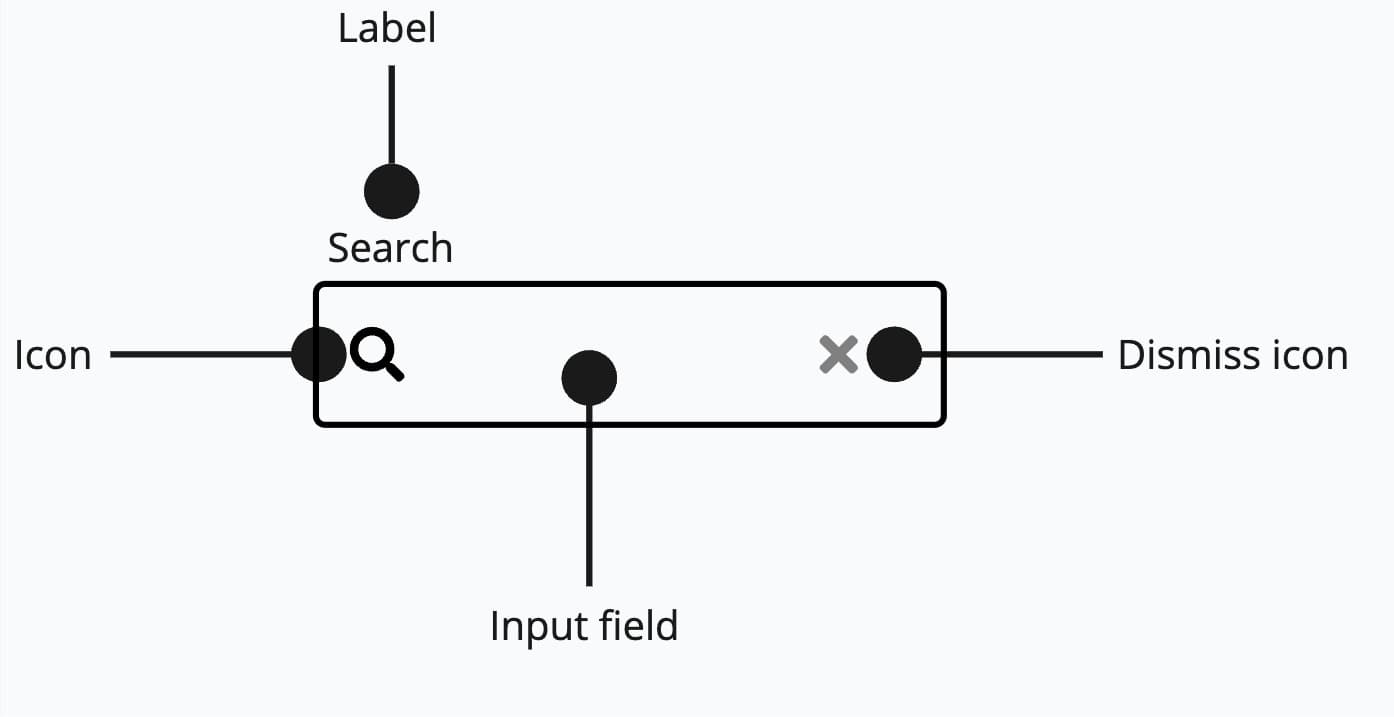
Anatomy of search field

Appearance

The appearance of a component can be customized using the variant and size props. These props adjust the visual style and dimensions of the component, available values are based on the active theme.

The selected theme does not has any options for"variant" and "size".
PropertyTypeDescription
variant-The available variants of this component.
size-The available sizes of this component.

Usage

The <SearchField> component is a versatile UI element that enables users to search for specific information within a given context or data set.

Placement

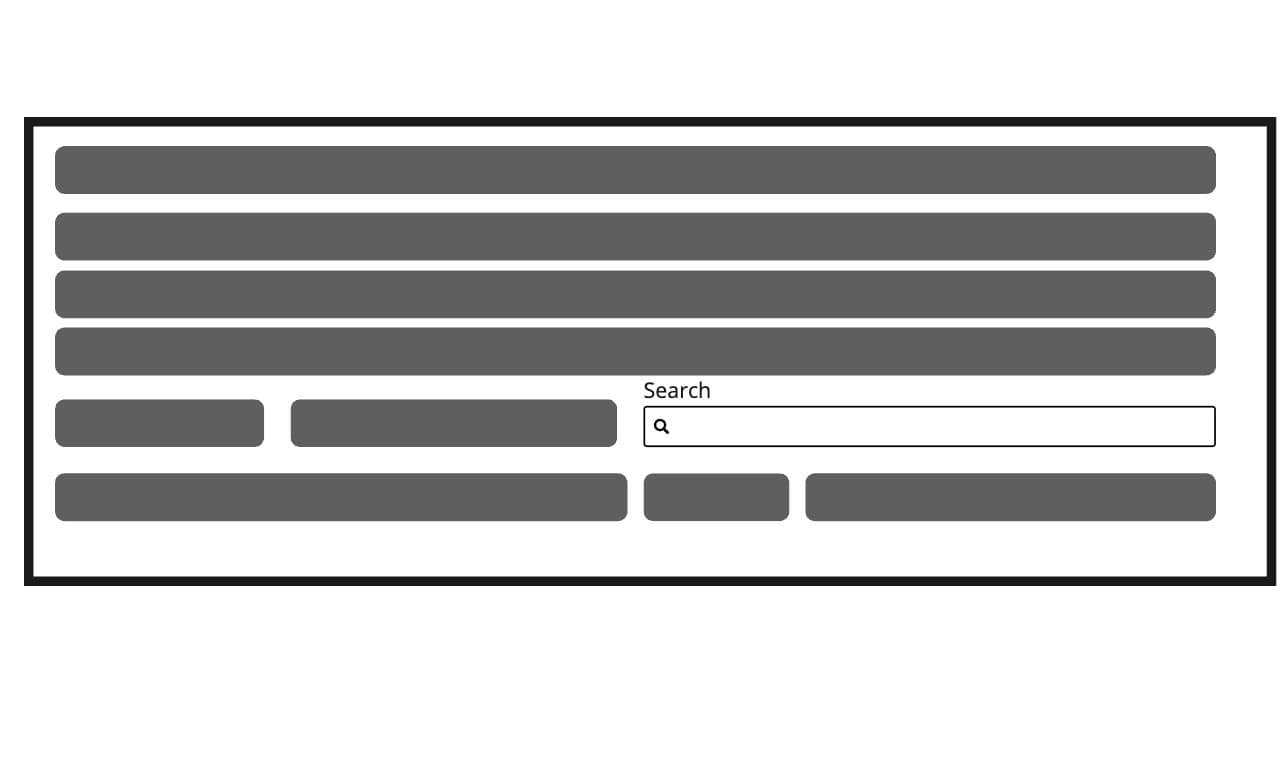
The placement of a search field plays a critical role in its effectiveness and usability. A well-positioned search field ensures users can easily find and use it, enhancing their overall experience on a website or application.

Do
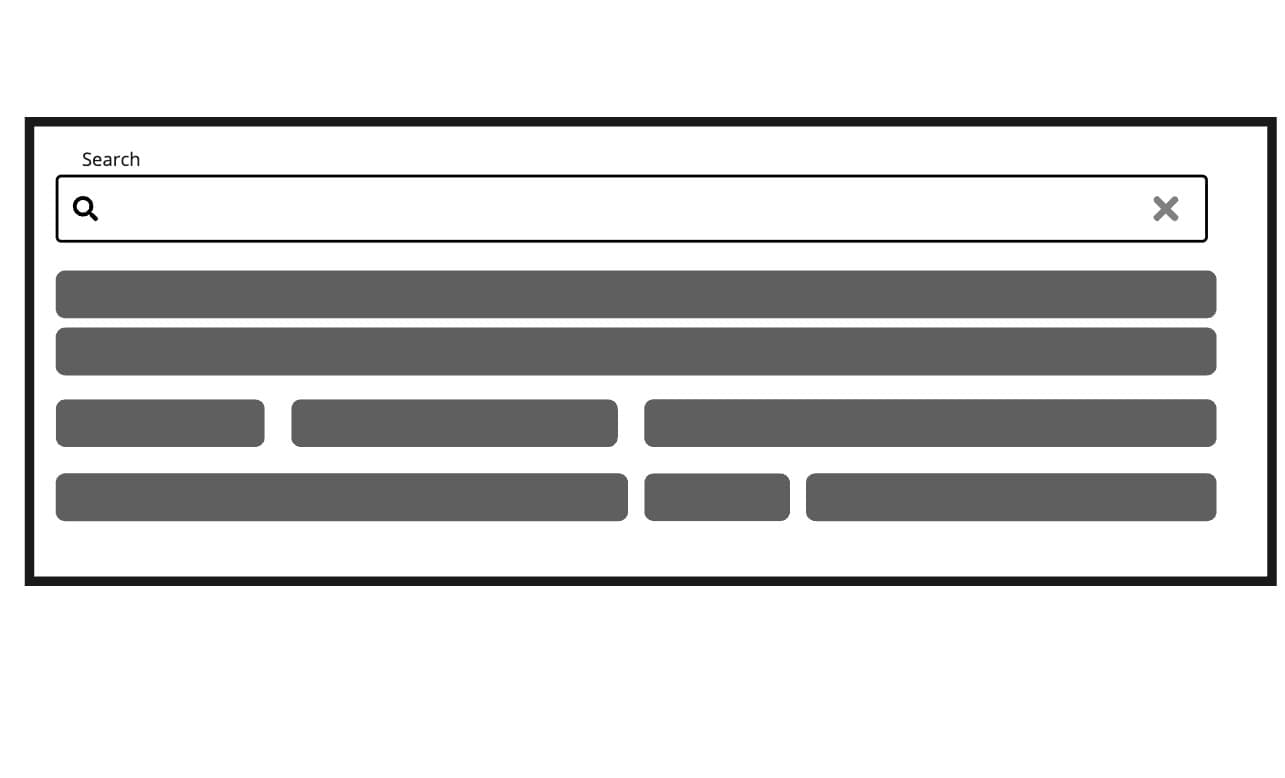
Do: Position the search field prominently
Position the search field prominently.

Don't

Don't place the search field in an obscure location

Don't place the search field in an obscure location.

Props

Did you know? You can explore, test, and customize props live in Marigold's storybook. Watch the effects they have in real-time!
View SearchField stories

SearchField

Prop

Type

Accessibility props (9)

Prop

Type

DOM event handlers (73)

Prop

Type

Related

Forms

How to structure, validate, and submit forms with Marigold.

Form Fields

Here you can find a comprehensive guide for working with form fields.
Last update: 2 months ago

RangeCalendar

Used to select a contiguous date range

SegmentedControl

A compact control for switching between a few options that are all visible at once.

On this page

AnatomyAppearanceUsagePlacementPropsSearchFieldRelated